
CRM & automation
Your enquiries, bookings and follow-up. In one place.
An optional add-on to your website care plan. Keep track of new enquiries and their next steps, with a practical setup powered by GoHighLevel.
An optional add-on to your website care plan. Keep track of new enquiries and their next steps, with a practical setup powered by GoHighLevel.
When enquiries are spread across inboxes, notes and spreadsheets, it’s easy to lose track of the next step. This add-on gives you one place to manage them, alongside the website care you already have with us.
A defined package for the everyday work of capturing enquiries, organising opportunities and following up.
Talk about adding CRM Explore website care plansKeep customer details together and see which enquiries need a response, a quote or a follow-up.
Connect your website enquiry form so new leads arrive in your CRM.
Give customers a straightforward way to book a time with you.
Acknowledge new enquiries and create reminders for your team to follow up.
We configure the standard package and connect it to your website.
Learn how to manage contacts, move enquiries through your pipeline and use your calendar.
Keep it simple. The standard package covers the setup above. Custom integrations, additional workflows and voice AI are quoted separately.
SMS, email and phone usage may incur additional charges. We’ll explain any applicable usage costs before you start.
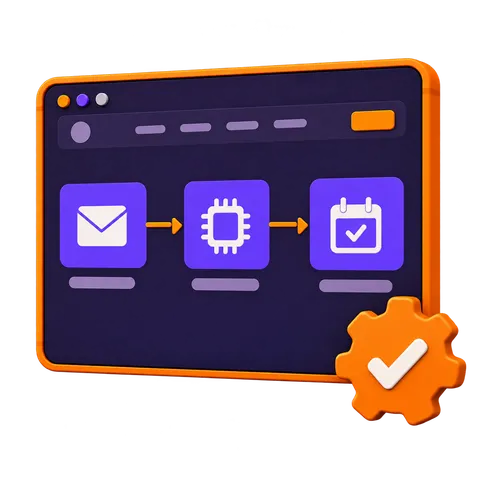
A website enquiry creates a contact in your CRM.
Move the opportunity through your pipeline as the conversation progresses.
Share your calendar when an appointment is the right next step.
Use reminders to keep the next action on your team’s list.
Tell us how you handle enquiries now. We'll help you decide whether the standard CRM add-on fits your business.
Book a Chat